
Building Energy Modeling Made Easy With Natural Language Prompts
OpenStudio-MCP Lets Users Converse in Natural Language To Model Ways To Save Energy and Money in Buildings Without Time-Consuming Programming

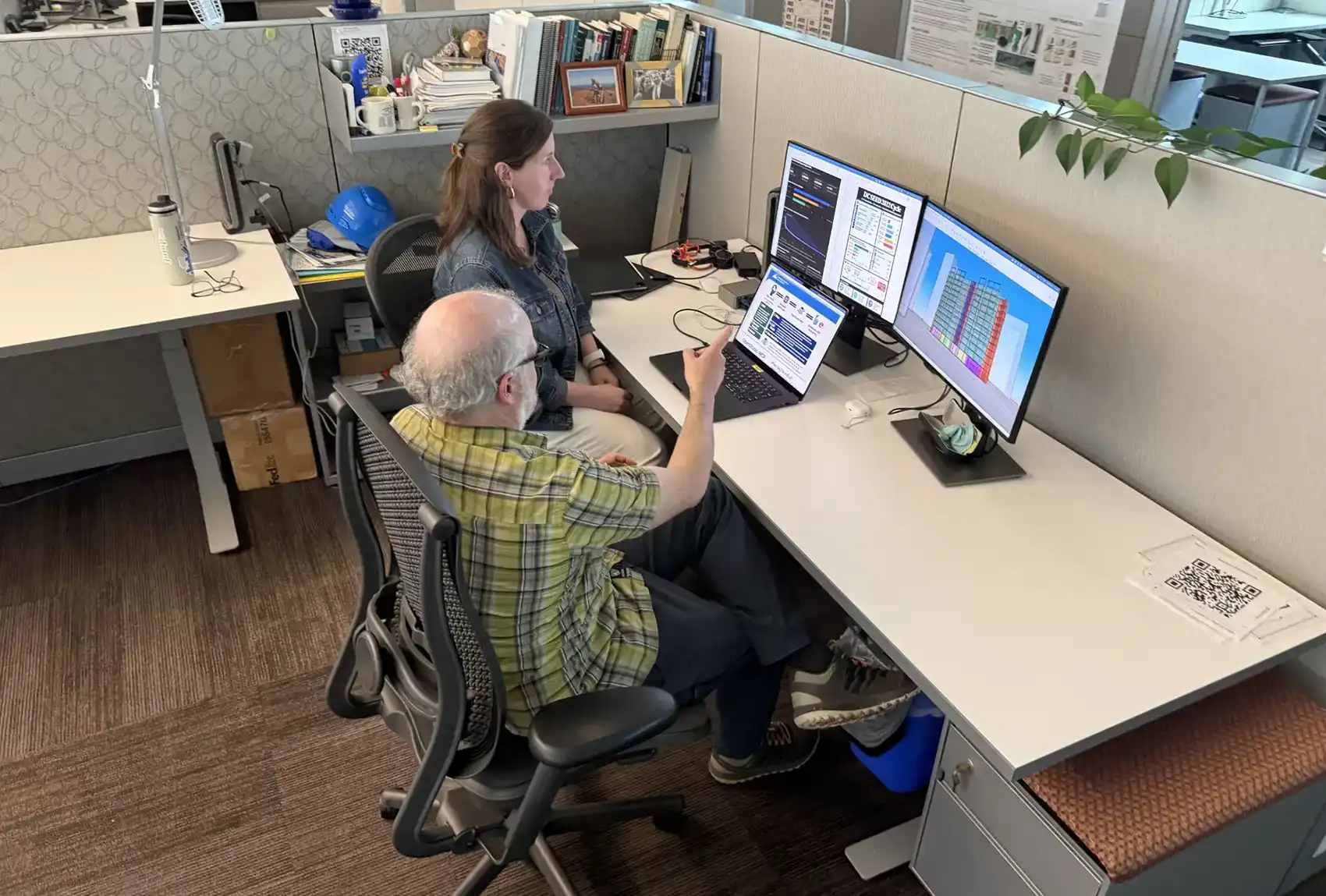
The National Laboratory of the Rockies (NLR) has built many publicly available physics-based tools that professionals, like architects and mechanical engineers, use to find cost-effective ways of reducing building energy use. OpenStudio® increases the productivity of cumbersome energy modeling via flexible automation.
But until now, these tools have required some knowledge of computer programming (like Ruby or Python) to fully make use of OpenStudio's rich feature set. This barrier can limit access, which can hinder Americans’ efforts to lower energy use and costs.
Now, NLR researchers are leveraging artificial intelligence (AI) and large language models (LLM) to lower the barrier of entry so modeling a building’s energy use no longer requires learning a programming language.
The newly launched OpenStudio-MCP (short for Model Context Protocol) enables an AI assistant to translate and oversee all the processing needed. A user can pose a request in simple English (or another language) in a chat box and receive a conversational answer in return—without having to interact with the software’s complicated and expansive repositories of data and ecosystem of modeling tools.
“Type in one sentence in plain text in English, or even a different language, and generate a specific model,” said David Goldwasser, a software engineering researcher at NLR who helped develop the tool. “That’s a lot more user friendly than having to write five lines of code for a less-specific model.”
And tweaks to the model can happen almost as fast as you can describe them, tasks which used to take hours or even days to accomplish, depending on the simulation.
Thoughtful Answers
Although the tool’s input—and output—is simple, producing those answers is complex.
Through OpenStudio-MCP, AI assistants can access NLR’s OpenStudio development kit and tap into the U.S. Department of Energy’s award-winning EnergyPlus™ simulation engine, which incorporates the physics of air, moisture, and heat; calculates lighting and shadows; considers temperature- and humidity-controlling equipment; simulates the passing of time; and solves for a wide range of building types.
On its own, a general-purpose AI assistant would struggle to know how to use these tools. It might invent operations that do not exist, apply modeling steps out of order, or select system configurations that do not make sense. OpenStudio-MCP guides the AI assistant by giving it a set of validated tools and the encoded understanding of how to use them. With more than 150 modeling skills, it can create prototypical models of buildings, like offices and schools, apply upgrades, like lighting or heating and cooling system replacements, and run full simulations with validated results.
That means in fewer iterations with the AI assistant, lower computing costs, and greater confidence in the results.
“The ability to connect AI models to flexibly and consistently interact with OpenStudio through a set of curated tools and skills is truly a game-changer,” said Gregor Henze, an engineering professor at the University of Colorado Boulder, who has been involved in building energy modeling and related educational efforts for more than 30 years.
Chore Assistant
To simulate the hourly energy use of a whole building for an entire year, a model might churn for a minute—or it could grind away for hours, depending on its size and level of detail, especially while incorporating complex thermodynamics, aerodynamics, and weather predictions. That time is defined by physics. OpenStudio-MCP cannot change that.
But what it can do is handle the tedious chores involved in setting up and interpreting a simulation, like coding a program that modifies the model, launching a run, compiling an output, checking that it did what it was intended to do, and iterating improvements for the next run.
Plus, it can complete those tasks in a fraction of the time it would take a person, even if that person were fluent in modeling.
“The parts of this job that took days, like writing a measure or custom control logic, now takes minutes,” said Brian Ball, an NLR researcher and the principal investigator for OpenStudio-MCP. “That does not replace the engineer. It frees them to focus on the parts of the job that actually need human judgment.”
Users can instead focus on interpreting the results and figuring out what to do with them.
Experts can, of course, still dig into the software’s advanced capabilities to script in specifics, and because OpenStudio-MCP builds on open-source software and is itself open-source, other developers can fold it into their own applications.
"It's been fantastic," said Stefan Gracik, the co-founder and a building performance engineer at Alter Engineers. "This is such a great product; I'm a long-time user and really appreciative of it."
Of course, if you are interested in more control—as a student, architect, engineer, or analyst—then you can use the advanced capabilities to script in specifics. Plus, because OpenStudio-MCP is built on an open protocol, other developers can fold it into their own software, so it is not tied to a single application.
As OpenStudio-MCP finds its way into the world, more of the people who shape building decisions, including owners, designers, city planners, and developers, can weigh their options in a model before they commit, lowering the risk of an expensive mistake, whether that is a building's overall design or the heating and cooling system it will run for decades.
Now, before you ask OpenStudio-MCP about energy use in buildings, there is one more simple question to answer: How can you get access to it?
Like the modeling results it provides, the answer here is equally simple: OpenStudio-MCP is free to all, takes just a few steps to install, and communicates through your ordinary AI assistant—no translator needed.
Access OpenStudio-MCP and learn more about NLR’s building energy tools.
Last Updated April 28, 2026