
Media Callout
The media callout component highlights content by pairing descriptive text with a prominent image or video.
Options
Choose from a horizontal (side-by-side) or vertical (stacked) layout to best fit your content and page structure.
Horizontal Design
In the horizontal design, media can be placed on the left or right.
Research Support
NLR supports partners in advancing integrated energy solutions through a system-of-systems approach that considers technology, policy, social, and market systems.
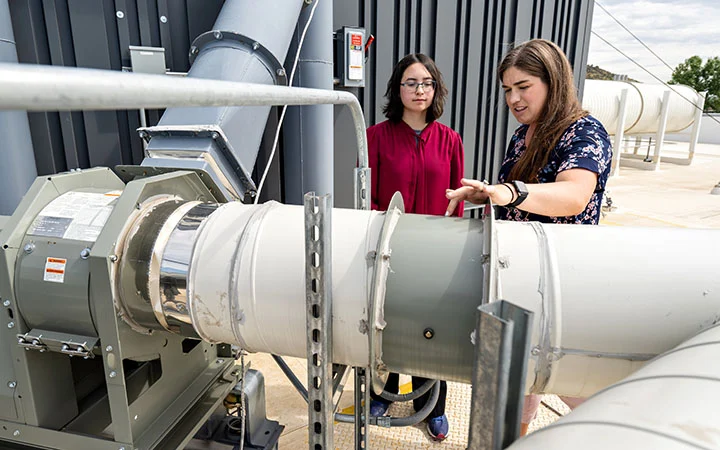
Research Facilities
Learn about NREL's state-of-the-art facilities and the research conducted within our laboratories.
Our researchers and technicians who operate these labs and facilities are ready to work with you and share their expertise.
Vertical Design
In the vertical design, media is located between a header and description.
Research Support
NLR supports partners in advancing integrated energy solutions through a system-of-systems approach that considers technology, policy, social, and market systems.
Research Facilities
Additional Information
Usage
Keep headers to 2 rows of text or 35 characters max.
The minimum image size is 694 px wide (or 2x: 1388 px).
Use the media callout component on any page.
Tips
Horizontal designs are best reserved for the full width of the content container.
Vertical designs should not be full-width within a content column on desktop.
Images are cropped as the screen size changes. Review on various screen sizes.
Videos require a text version.
See all callout box options.
Share

Last Updated Nov. 17, 2026